
Vizard: review, pricing and alternatives
What is Vizard AI?
When you're a content creator, marketer, or business trying to keep up with the insatiable demand for short-form video on platforms like TikTok, Instagram Reels, and YouTube Shorts, you know the struggle is real. Turning a single long-form video—be it a podcast, webinar, or interview—into a steady stream of engaging, bite-sized clips can be an incredibly time-consuming and often tedious task. This is precisely the problem that Vizard AI aims to solve.
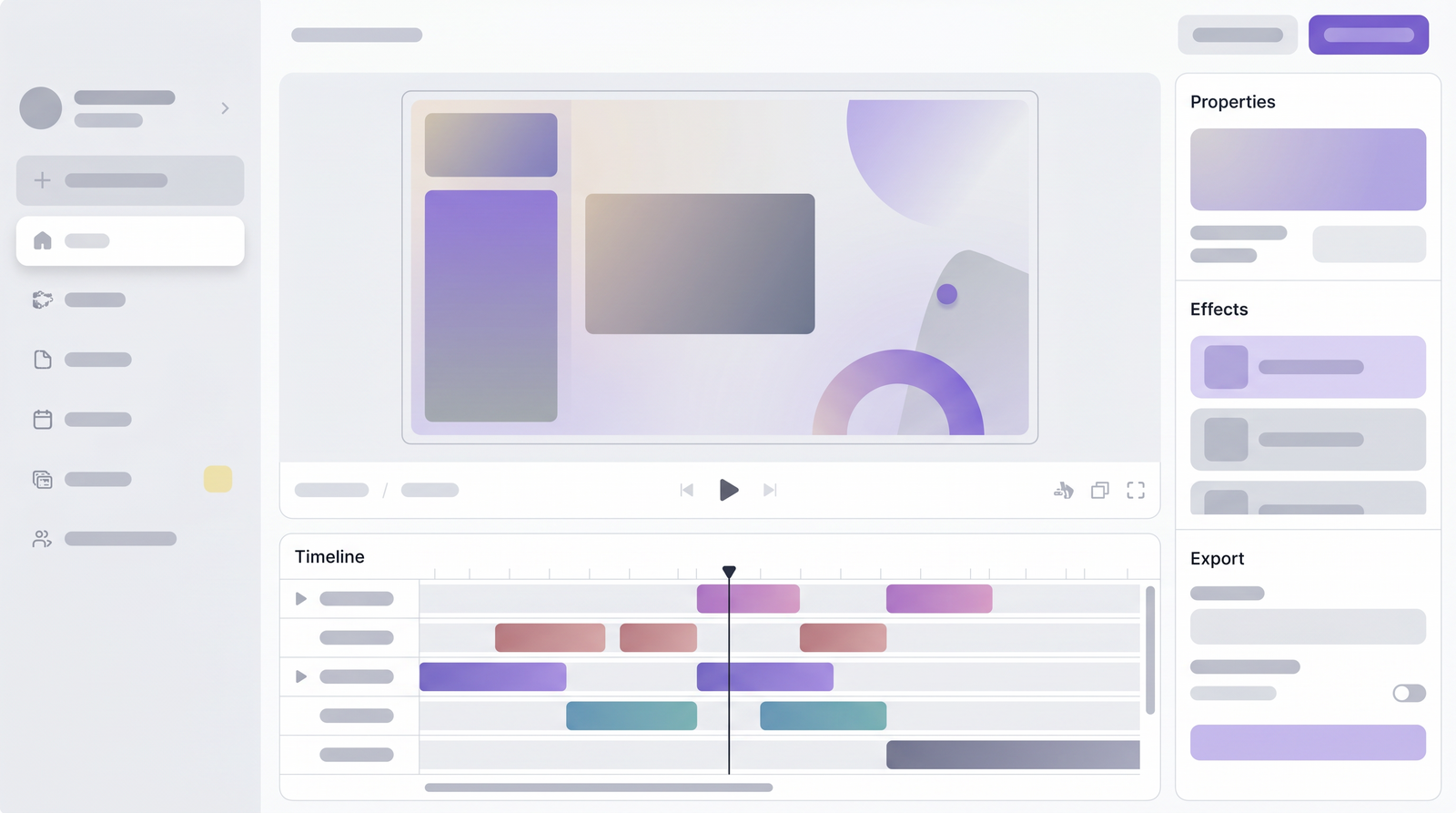
At its core, Vizard AI is an AI-powered video repurposing tool designed to automate this demanding workflow. It takes your lengthy video content and, using artificial intelligence, identifies the most compelling moments, chops them into short, shareable clips, and prepares them for social media. Think of it as having a tireless assistant who watches your hours of footage and magically pulls out all the potential viral moments for you.
My experience with Vizard AI quickly showed me that its main objective is to help creators and marketers maximize their content output with minimal effort. Instead of spending hours manually scrubbing through timelines, finding soundbites, and editing, Vizard AI streamlines the entire process. It's built for anyone who produces long-form video and needs a fast, efficient way to generate a consistent flow of short-form content to reach a wider audience and stay relevant across various social platforms.
Key Features of Vizard AI
Diving into Vizard AI, I found a suite of features that genuinely simplify the video repurposing process. The standout, and frankly the reason most people consider this tool, is its ability to generate clips automatically. You upload a video, and the AI goes to work, identifying key moments based on speech patterns, engagement signals, and overall content flow. It’s not just random cuts; it genuinely tries to find segments that make sense as standalone pieces of content, often complete thoughts or high-energy deliveries.
Beyond just cutting, Vizard AI includes automatic caption generation, which is a massive time-saver. In today's social media landscape, captions are non-negotiable for accessibility and engagement, especially for viewers watching without sound. The AI transcribes your audio and creates captions, which you can then customize for style and accuracy. This feature alone drastically reduces post-production time.
Another incredibly useful functionality is the aspect ratio conversion. Most long-form content is horizontal (16:9), but social media shorts demand vertical (9:16). Vizard AI handles this conversion seamlessly, and impressively, it attempts to keep the active speaker or most important subject in frame. This means less manual cropping and resizing, which can be a real headache. I also appreciated the speaker detection feature, particularly useful for podcasts or interviews with multiple participants, as it helps in framing and managing the flow of conversation within the clips.
While Vizard AI excels at automation, it also offers basic trimming options, allowing you to fine-tune the AI-generated clips. This means you’re not entirely at the mercy of the AI; you can make small adjustments to ensure each clip is perfect before export. It’s not a full-fledged video editor, but for quick tweaks, it’s more than sufficient.
How Vizard AI Works
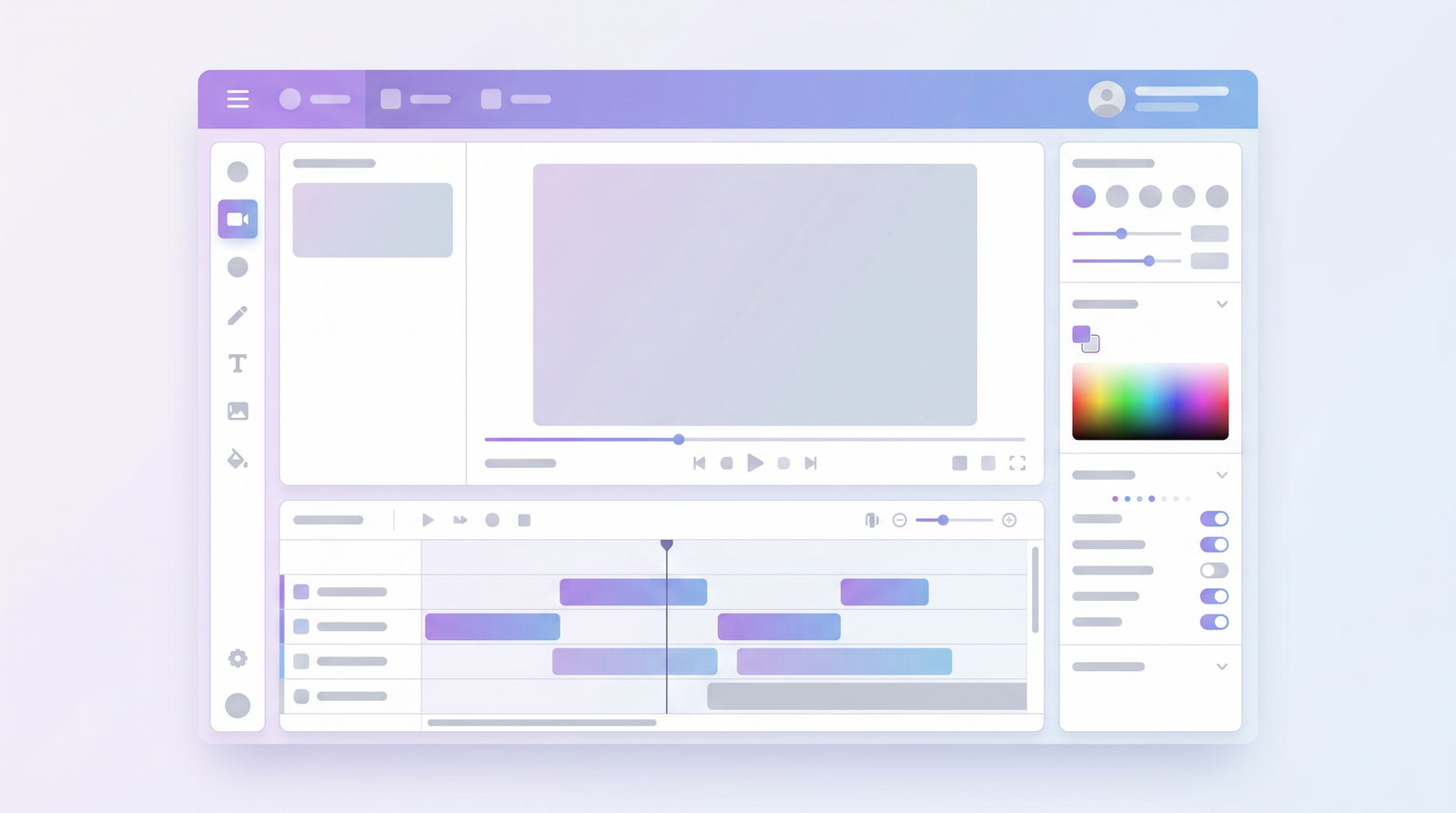
Using Vizard AI is surprisingly straightforward, even for someone who might not be a seasoned video editor. The process begins with getting your long-form video into the system. You have two primary options here: either upload a video file directly from your computer, or, if your content is already on platforms like YouTube, you can simply paste the video link. I found this flexibility really convenient, especially for existing content that I wanted to repurpose quickly.
Once your video is uploaded or linked, this is where Vizard AI’s magic truly kicks in. The platform’s artificial intelligence immediately begins to analyze the content. It processes the audio for speech, looking for clear statements and complete thoughts. It also analyzes engagement signals, trying to pinpoint moments of high energy or significant discussion. This analysis is what allows it to discern potential highlight clips that would resonate with an audience.
After the AI has done its analysis, it presents you with a selection of generated short clips. These aren't just random snippets; they are proposed highlights, each with automatically generated captions. From there, you enter the customization phase. You can review each clip, make minor trims to the start or end, adjust the captions for accuracy or style, and choose the desired aspect ratio for your target social media platform. You’re not locked into the AI’s initial suggestions, which is reassuring.
Finally, once you're happy with your selection and edits, you simply hit the export button. Vizard AI then renders your polished, social media-ready clips in the chosen format. The entire process, from upload to export, feels incredibly streamlined, designed to minimize manual intervention and maximize efficiency, which for busy creators, is a huge win.
Vizard AI Pricing and Plans
Understanding the cost of Vizard AI is crucial for anyone considering adding it to their content creation toolkit. From my research and experience, Vizard AI offers a tiered pricing structure that caters to different levels of usage, starting with a free option and scaling up for more demanding users.
Initially, you can dip your toes in with a free plan. This is a great way to test the waters and see if Vizard AI fits your workflow without any financial commitment. However, it does come with limitations, typically offering around 60 minutes of upload time and exporting at 720p resolution. While this is sufficient for a few test runs, it's quickly outgrown by consistent content creators.
For those serious about content repurposing, Vizard AI offers two main paid plans. The Creator Plan is priced at $19 per month. This plan is designed for individual creators who need more robust capabilities than the free tier. It generally includes more upload minutes, higher resolution exports (like 1080p), and access to a broader range of features. If you're a YouTuber, podcaster, or solo marketer looking to consistently generate short-form content, this is likely your starting point.
The next step up is the Business Plan, which costs $29 per month. This plan is tailored for teams or businesses with higher volume needs and often includes features like team collaboration, allowing multiple users to work on projects simultaneously. For agencies, marketing departments, or larger content operations, the Business Plan provides the necessary tools and capacity to manage a more extensive content pipeline. It's clear that Vizard AI has thought about scalability, ensuring there's an option whether you're working solo or as part of a larger team.
| Plan | Price | Best for |
|---|---|---|
| Free Plan | $0 | Testing the waters, occasional use (60 upload minutes, 720p export) |
| Creator Plan | $19/month | Individual content creators, YouTubers, podcasters needing regular short-form content |
| Business Plan | $29/month | Teams, agencies, businesses with higher volume needs and collaboration features |
Pros of Using Vizard AI
After spending some time with Vizard AI, several advantages immediately stood out to me. The most significant benefit, hands down, is the sheer speed and automation it brings to content repurposing. What used to take me hours of meticulous editing—scrubbing through long videos, identifying highlights, cutting, and captioning—Vizard AI condenses into minutes. It genuinely transforms one long video into a week's worth of viral social content, which is a game-changer for maintaining a consistent posting schedule.
The ease of use is another major plus. The interface is clean, intuitive, and beginner-friendly. You don't need to be a professional video editor to get started; the process is guided and straightforward, from uploading your video to exporting the final clips. This accessibility lowers the barrier for many creators and small businesses who might not have the budget or time for complex editing software or dedicated video editors.
I found Vizard AI particularly well-suited for podcast and interview formats. These types of content, often dialogue-heavy, benefit immensely from the AI's ability to detect clear statements and engaging conversations. The speaker detection feature also helps in framing these discussions effectively. The support for multiple aspect ratios is also incredibly valuable, allowing you to effortlessly convert horizontal footage into vertical clips optimized for platforms like TikTok and Instagram Reels without losing key subjects from the frame. This built-in social media optimization ensures your content looks professional and performs well on its intended platform.
Vizard AI excels at turning the often-daunting task of content repurposing into a fast, automated, and surprisingly enjoyable process.
Cons and Limitations of Vizard AI
While Vizard AI offers impressive automation and convenience, it's important to have a realistic understanding of its limitations. The primary drawback I encountered is the lack of advanced editing features. If you're accustomed to professional video editing software like Adobe Premiere Pro or DaVinci Resolve, you'll quickly realize Vizard AI isn't designed for intricate cuts, special effects, complex overlays, or detailed color grading. It's a repurposing tool, not a full-fledged editor. This means if your clips require significant polishing beyond basic trims and captions, you might need to export them and finish the job in another program.
Another point to consider is that while the AI is smart, it's not perfect. There's often a potential need for manual tweaks to the AI-generated content. Sometimes, the AI might cut a clip a little too short or include a brief pause that you'd rather remove. Captions, while automatically generated, might also require minor corrections for accuracy or stylistic preferences. So, while it saves a tremendous amount of time, you shouldn't expect to hit 'generate' and walk away; a quick review and minor adjustments are usually necessary to ensure the highest quality.
Finally, like most cloud-based tools, Vizard AI requires a stable internet connection. This isn't a deal-breaker for most, but it's something to be aware of if you frequently work offline or in areas with unreliable internet access. The processing of long videos and the subsequent generation of clips are all handled server-side, meaning a good connection is essential for a smooth and efficient workflow. These limitations, however, are trade-offs for the incredible automation it provides, and understanding them helps set proper expectations.
Who is Vizard AI Best For?
Based on my experience, Vizard AI truly shines for a specific segment of the content creation market. It's an ideal tool for content creators who regularly produce long-form videos—think daily vloggers, weekly podcasters, or streamers who want to maximize their reach across platforms. If you're constantly churning out long videos and feel overwhelmed by the demand for short-form content, Vizard AI is designed to alleviate that pressure.
Marketers and businesses will also find Vizard AI incredibly valuable. In today's digital landscape, repurposing webinars, long-form interviews, product demos, or educational content into snackable social clips is essential for engagement and lead generation. Vizard AI provides a fast, efficient way to create a consistent stream of marketing assets without needing a dedicated video editor for every piece of content. This helps maintain brand visibility and drive traffic back to longer-form content or product pages.
Specifically, I've seen Vizard AI perform exceptionally well for podcasters and interviewers. These formats are often rich with quotable moments and engaging discussions that are perfect for short clips. The AI's ability to detect speakers and highlight coherent segments makes extracting these gems incredibly easy. If your main content revolves around conversations, Vizard AI will likely become an indispensable part of your workflow, turning hours of audio into dozens of shareable video snippets.
In essence, if your goal is to quickly and consistently transform existing long-form video into social media-ready short-form content, and you prioritize speed and automation over intricate, frame-by-frame editing, then Vizard AI is definitely a tool worth considering. It's built for those who need to scale their content output efficiently.
Vizard AI vs. Alternatives
When looking at Vizard AI, it's natural to compare it with other tools in the video editing and repurposing space. What I've found is that Vizard AI occupies a very specific niche, primarily focusing on automated clipping and ease of use. Many traditional video editing software, like Adobe Premiere Pro or DaVinci Resolve, offer far more advanced editing capabilities, from multi-track editing to complex visual effects and audio mixing. However, these tools require a significant learning curve and a substantial time investment for every project, which is exactly what Vizard AI aims to circumvent.
Then there are other AI-powered repurposing tools that also promise to turn long videos into short clips. Some might offer slightly different AI models for highlight detection, or perhaps a broader range of templates and branding options. What often sets Vizard AI apart is its streamlined, beginner-friendly interface and a strong focus on generating ready-to-publish content with minimal manual intervention. While other tools might give you more control, they can sometimes reintroduce the complexity that Vizard AI tries to eliminate.
Ultimately, Vizard AI isn't trying to be a replacement for a professional video editor; it's an accelerator for content repurposing. Its strength lies in its ability to automate the most time-consuming aspects of creating short-form content from long videos. If your workflow demands highly customized, intricate edits, you'll still need those advanced editors. But if you're looking for efficiency and volume in generating social clips, Vizard AI offers a compelling solution. You can see how it stacks up against alternatives on Top10k to get a broader perspective on its market position and feature set compared to competitors.
Performance and User Experience
From the moment I started using Vizard AI, the performance and user experience were notably positive. The tool prides itself on speed, and it genuinely delivers. Uploading a video, even a long one, was relatively quick, and the AI analysis and clip generation process felt remarkably fast. I wasn't left waiting for ages, which is crucial when you're trying to churn out content efficiently. This fast processing speed means you can maintain a high-volume content schedule without significant bottlenecks.
The interface itself is a testament to good design. It's clean, uncluttered, and highly intuitive, making it incredibly beginner-friendly. I didn't have to spend much time hunting for features or trying to understand complex menus. Everything is laid out logically, guiding you through the step-by-step process of uploading, reviewing clips, customizing, and exporting. This streamlined workflow is one of Vizard AI's strongest assets, as it allows users to focus on the content rather than wrestling with the software.
Reliability also seemed to be a strong point. I experienced no crashes or significant bugs during my testing, and the export process was consistently smooth, delivering files quickly and in the expected quality. This reliability contributes significantly to a positive user experience, fostering confidence that the tool will perform as expected when you're on a deadline. For creators who value efficiency and a hassle-free workflow, Vizard AI's performance and user experience are definitely a major draw.
Is Vizard AI Worth It? Our Verdict
After thoroughly exploring Vizard AI, my overall verdict is a resounding yes for its target audience. It absolutely delivers on its promise of turning long videos into short, engaging social clips with impressive automation. For anyone who feels the constant pressure of social media content creation and struggles with the time-consuming process of manual video editing, Vizard AI is a powerful solution that genuinely streamlines the workflow.
Who should purchase it? If you're a content creator, podcaster, interviewer, or a marketer for a business that regularly produces long-form video content, Vizard AI is an excellent investment. Its value proposition is clear: it saves you significant hours of manual editing, allowing you to repurpose your content quickly and consistently. This means you can focus more on creating quality long-form content, knowing that its short-form derivatives can be generated with minimal effort.
While it's not a replacement for advanced video editing software and you'll likely still need to do some minor manual tweaks, the time savings and efficiency it provides are substantial. The free plan offers a great way to test its capabilities, and the paid plans are reasonably priced for the automation they offer. If your goal is to maximize your content's reach across social platforms by efficiently creating a steady stream of short, engaging clips, Vizard AI is a tool that I confidently recommend adding to your arsenal. It's a smart solution for automated video repurposing that truly helps you post more and work less.
Full profile and live ranking: https://top10k.com/ai/vizard
Published by

Top10k Tools is known as a collection of free web apps that gives users access to over 4,000 handy web tools created to save time on routine tasks.
It spans a broad mix of SEO tools, converters, dev utilities, and image editors. Everything works directly online, so you can start in seconds.
The goal behind Top10k Tools is reaching 10,000 useful web tools that solve real problems.
If your work happens online, there's likely a tool that fits. Jump in and start exploring.
Frequently asked questions
What is Vizard AI's core function?
Vizard AI is an AI-powered tool designed to automatically transform long-form video content, such as podcasts, webinars, or interviews, into short, engaging clips optimized for social media platforms like TikTok, Instagram Reels, and YouTube Shorts.
Does Vizard AI offer a free plan?
Yes, Vizard AI provides a free plan which typically includes limitations such as 60 minutes of upload time and exports limited to 720p resolution. It's a great way to test the platform's features before committing to a paid subscription.
How much do Vizard AI's paid plans cost?
Vizard AI offers a Creator Plan for $19 per month, aimed at individual content creators, and a Business Plan for $29 per month, which includes features like team collaboration for larger operations.
Is Vizard AI difficult to learn and use?
No, Vizard AI is known for its beginner-friendly and intuitive interface. The workflow is streamlined, making it easy for users without extensive video editing experience to upload videos, generate clips, and export social media-ready content quickly.
Can Vizard AI replace professional video editing software?
Vizard AI is not designed to replace professional video editing software like Adobe Premiere Pro. It excels at automated repurposing and basic trimming, but lacks advanced editing features like complex effects, multi-track editing, or detailed color grading.
Who would benefit most from using Vizard AI?
Vizard AI is best suited for content creators, podcasters, interviewers, and marketers who regularly produce long-form video content and need an efficient, automated way to generate a consistent stream of short, engaging clips for social media without extensive manual editing.
Do I need to manually review the AI-generated clips?
While Vizard AI's automation is impressive, it's generally recommended to review and make minor manual tweaks to the AI-generated clips and captions. This ensures accuracy, optimal timing, and alignment with your specific content goals before final export.
Does Vizard AI support different aspect ratios for social media?
Yes, a key feature of Vizard AI is its ability to convert horizontal video (16:9) into vertical (9:16) and other aspect ratios suitable for various social media platforms. It intelligently tries to keep the main subject or speaker in frame during this conversion.